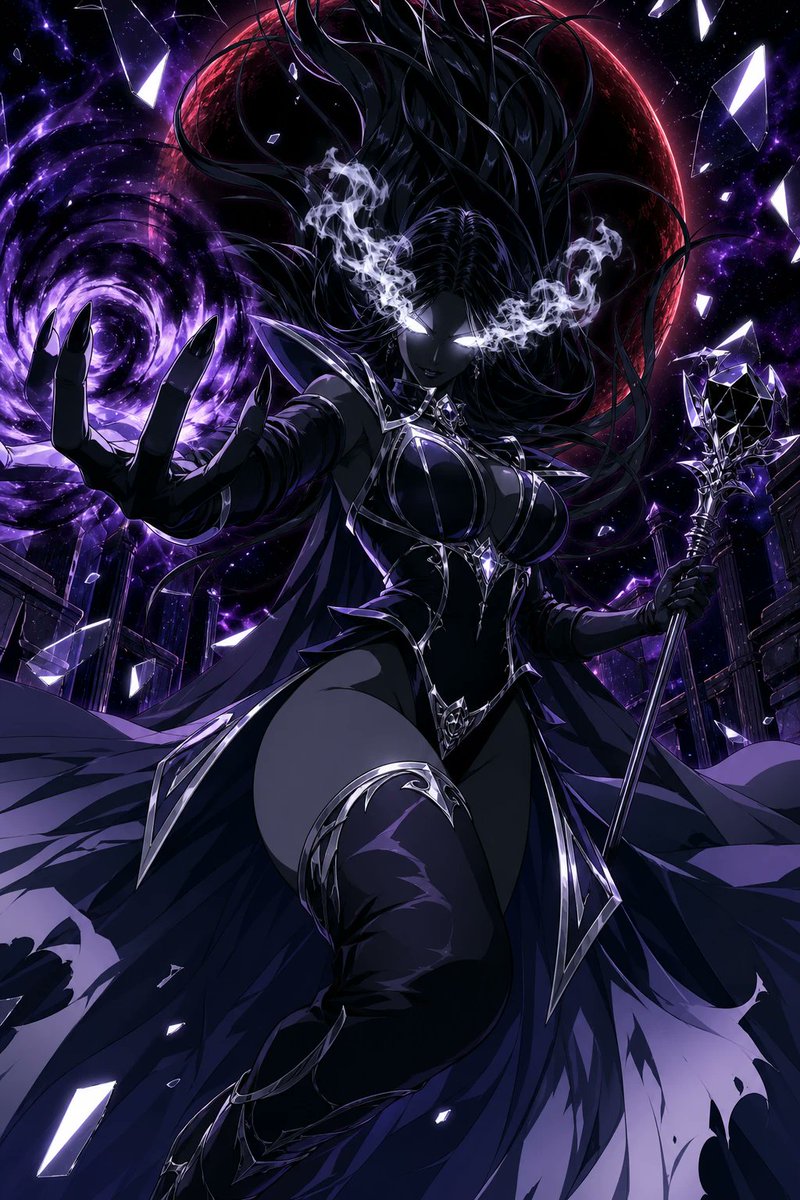
PROMPT RECORD · 公开作品详情
模糊,90年代复古,Q版(chibi),人体结构错误
公开 AI 图像创作记录,包含原图、提示词、使用模型、作者、标签与来源。
- 使用模型
- Midjourney
- 创作者
- @OracleOfHekate
- 发布时间
- Tue Jun 16 09:37:56 +0000 2026
- 图片数量
- 1 张
完整提示词
源提示词按原始换行与标点完整保留blurry, 90s retro, chibi, bad anatomy 🛠 ChatGPT2: Simply upload the image and say "Use this person as the base model for the following prompt..." 💡 Secret sauce: zero-gravity hair + neon rim lights = that authentic Crystal vibe. ------------------------------------ Pro-Tip for Best Results: Change details to match your character's look or vibe (skintone, eye and hair color, poses, etc...) If the face doesn't look like your reference: In Midjourney, adjust the --cw (Character Weight). Start at 100 and lower it to 80 or 60 if the AI is changing the facial structure too much to fit the "anime" style. If the pose is too stiff: In Stable Diffusion, use ControlNet OpenPose along with your reference image. This will copy the exact dynamic angles of your reference photo while the main prompt paints the villainess outfit over it. Use a pre-processor like DW_openpose_full to capture the hands and face orientation. Tag me when you post – I'm ready to see your villain era! 👑💀🖤 #SailorMoonCrystal #AIArt #Midjourney #StableDiffusion #AIPrompt
提示词译文
译文与源提示词分开显示,不替代原文模糊,90年代复古,Q版(chibi),人体结构错误 🛠 ChatGPT2:只需上传图片并说"Use this person as the base model for the following prompt..." 💡 秘诀:零重力头发 + 霓虹轮廓光 = 那种正宗的水晶风氛围。 ------------------------------------ 获得最佳效果的专家建议: 根据你角色的外貌或氛围更改细节(肤色、眼睛和头发颜色、姿势等……) 如果面部看起来不像你的参考图:在 Midjourney 中,调整 --cw(Character Weight,角色权重)。从 100 开始,如果 AI 为了适应"动漫"风格而对脸部结构改动过大,则将其降低到 80 或 60。 如果姿势过于僵硬:在 Stable Diffusion 中,配合你的参考图使用 ControlNet OpenPose。这将在主提示绘制反派造型的同时,复制你参考照片中的精确动态角度。使用像 DW_openpose_full 这样的预处理器来捕捉手部和面部朝向。 你发布时请 @我 – 我已经准备好欣赏你的反派时代了!👑💀🖤 #美少女战士水晶 #AI艺术 #Midjourney #StableDiffusion #AI提示词